Install
Installing Finnex AI Add-in from Microsoft AppSource
Finnex AI is an Excel add-in listed on Microsoft AppSource. There is no traditional installation required; users can simply download and add it to their Excel application directly from the marketplace. Follow the steps below to download and install the Finnex AI add-in:
Open Excel: Launch Microsoft Excel on your computer.
Access the Add-ins Store:

Search for Finnex AI Assistant:
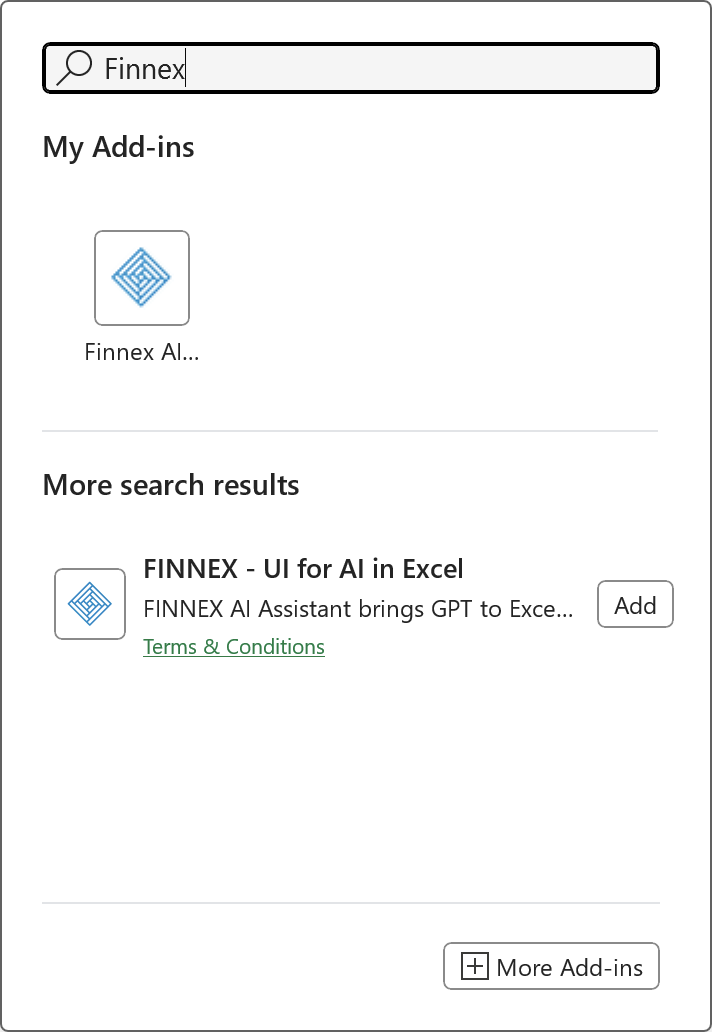
Add the Finnex AI Assistant Add-in:
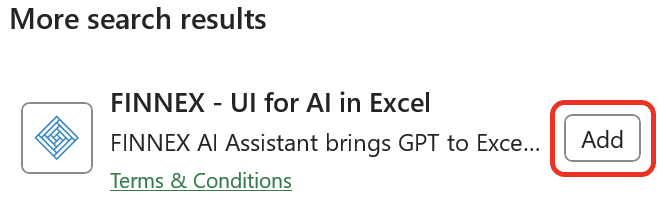
Start Using Finnex AI Assistant:

Register and Login to Finnex AI Assistant.